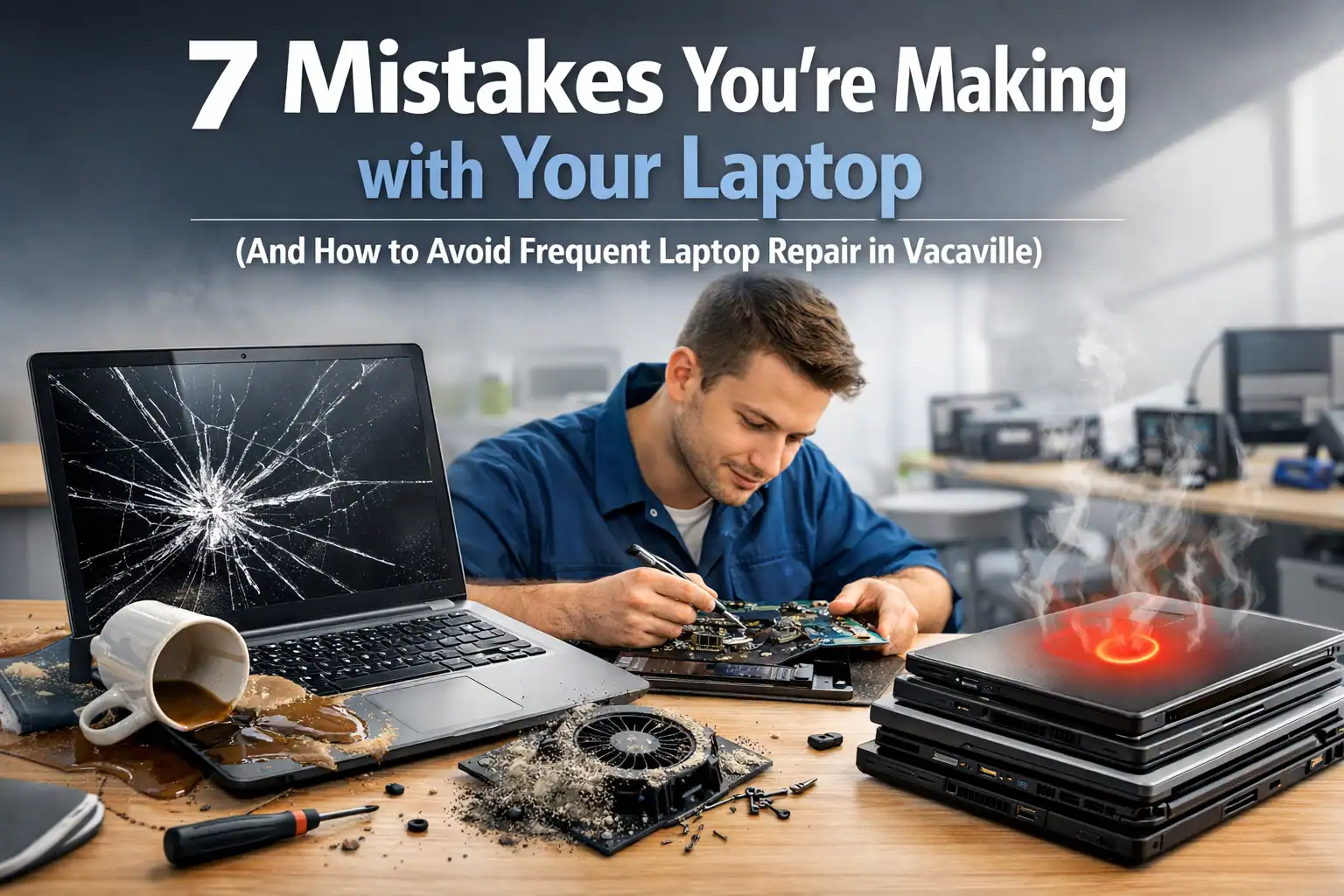
Imagine this: It’s a Tuesday morning in Vacaville. You’ve just poured a fresh cup of coffee, and you’re ready to tackle that big presentation. You sit down on your couch, open your laptop, and: crunch.
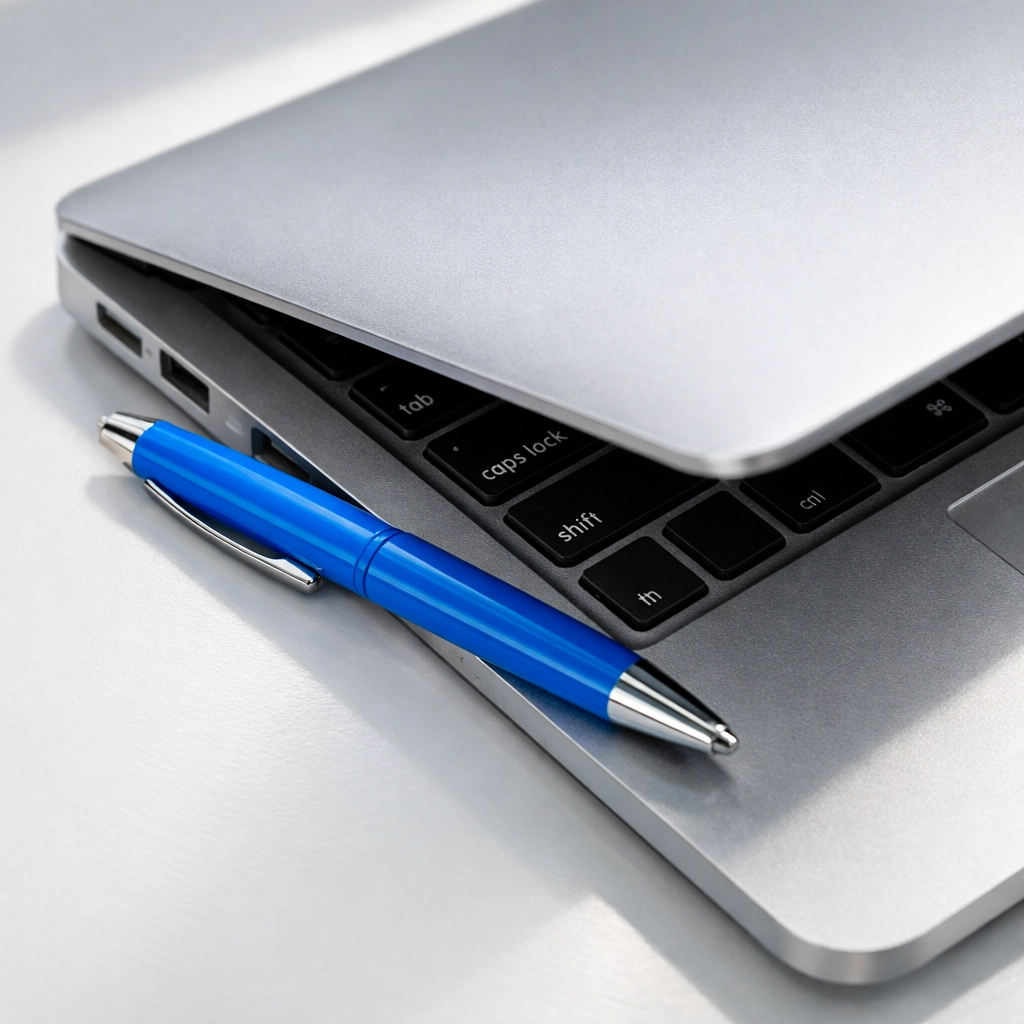
Your heart drops. That wasn't the sound of a notification; it was the sound of your screen meeting a stray ballpoint pen you left on the keyboard. In an instant, your "productive morning" has turned into a frantic Google search for "laptop repair Vacaville."
We see it every day here at ART Computer Maintenance and Repair. Most of the "catastrophic" hardware failures that cross our workbench aren't actually caused by age or bad luck: they’re caused by small, everyday habits that slowly (or suddenly) kill your machine.
Laptops are incredible feats of engineering, but they are also surprisingly delicate. If you treat your laptop like a rugged piece of luggage, it’s going to retire a lot sooner than you’d like. Let’s dive into the seven most common mistakes you’re probably making and how you can stop being your laptop's own worst enemy.
1. The "Pebble in the Shoe" Mistake: Closing the Lid with Objects Inside
This is the number one cause of broken screens we see in Solano County. It only takes a tiny object: a paperclip, a pen, or even a stray charging cable: to turn your expensive Retina or LED display into a spiderweb of glass.
Think of your laptop screen like a high-tech mirror. It’s thin, under tension, and designed to sit perfectly flush against the keyboard. When you close that lid with something in the way, the hinge acts as a lever, multiplying the force you apply.
The Fix: Make it a habit to "sweep" the keyboard with your hand before closing the lid. Every. Single. Time. If you’re a student at Solano Community College or a remote worker in Browns Valley, your laptop is your lifeline. Don't let a $0.10 paperclip lead to a $400 screen replacement.
2. The "Suffocation" Mistake: Using Your Laptop on Soft Surfaces
We get it. Browsing the web from the comfort of your bed or a plush armchair is one of life's simple pleasures. But for your laptop, it’s a death trap.
Most laptops draw in cool air from the bottom and blow hot air out the sides or back. When you place your device on a blanket, pillow, or even your lap, those soft surfaces act like a giant sponge, soaking up the heat and blocking the air vents.
It’s like trying to run a marathon while wearing a heavy puffer jacket with a scarf wrapped over your mouth. Your internal fans will spin faster and louder, trying desperately to cool down the processor. Eventually, the heat becomes so intense that it can melt internal solder or cause the battery to swell.
The Fix: Always use your laptop on a hard, flat surface. If you absolutely must use it in bed, invest in a simple laptop tray or a cooling pad. This keeps the vents clear and your internal components happy. If your laptop is already running hot enough to fry an egg, it might be time for a professional laptop repair Vacaville check-up to see if your thermal paste has dried out.
3. The "Dust Bunny" Mistake: Neglecting Your Fans
Speaking of airflow, when was the last time you actually cleaned your laptop? If you’ve had your computer for more than a year and haven't cleaned it, it's likely hosting a small civilization of dust bunnies.
Over time, the cooling fans inside your laptop act like tiny vacuum cleaners, sucking in pet hair, skin cells, and dust. This debris creates a thick "blanket" over the heat sink. Once that happens, no amount of fan spinning will cool the machine down.
The Fix: Every few months, give your vents a quick blast with a can of compressed air. Just make sure the laptop is off! If you’ve never done this and your laptop sounds like a jet engine, bring it to us at ART Computer. We can perform a deep internal cleaning to get that airflow back to factory standards.
4. The "Procrastination" Mistake: Skipping Software Updates
Many people view software updates as an annoying interruption to their day. They click "Remind me later" until "later" becomes "next year."
However, updates aren't just about getting new emojis. They often contain critical security patches that protect you from the latest digital threats. Skipping updates is like leaving your front door unlocked in a neighborhood where burglars are known to be active.
Beyond security, updates often include "driver" improvements that help your hardware run more efficiently. An outdated driver can actually cause your laptop to work harder, leading to: you guessed it: more heat and potential hardware failure. If you've already been compromised by malware because of skipped updates, you'll likely need virus removal Vacaville services to get your privacy back.
The Fix: Set your laptop to update automatically during your off-hours. If you’re worried about an update breaking your system (which rarely happens these days), just make sure you have a solid backup. Check out our guide on why you should have a cloud backup service to keep your data safe while you stay updated.

5. The "Crane" Mistake: Carrying Your Laptop by the Screen
This one makes IT professionals cringe. You’re in a meeting or moving from the kitchen to the living room, and you grab the laptop by the corner of the screen to move it.
The hinges on a laptop are designed to support the weight of the screen, not the weight of the entire base. When you lift it by the display, you’re putting massive torque on the plastic or metal frame and the delicate video cables that run through the hinge.
The Fix: Always pick up your laptop from the base with two hands. Treat it like a expensive piece of glass: because that’s exactly what the top half is. If your screen has started flickering or your hinges feel "loose," you're likely heading toward a hardware failure.
6. The "Dollar Store" Mistake: Using Cheap, Third-Party Chargers
We’ve all been there: your original charger stops working, and you see a replacement on a giant online marketplace for $12, while the official one is $80. It’s tempting, right?
The problem is that those cheap chargers often lack the sophisticated voltage regulation and safety "handshakes" that your laptop requires. A "dumb" charger can send a surge of power into your motherboard, frying delicate circuits or even causing the battery to catch fire.
The Fix: Always stick with original equipment manufacturer (OEM) chargers or high-quality, certified brands like Anker or Belkin. Saving $60 on a charger isn't worth bricking a $1,000 laptop. If your laptop won't turn on after using a mystery charger, it’s time to call in the experts for computer repair Vacaville.
7. The "Denial" Mistake: Ignoring Weird Noises and Slowdowns
Your laptop is a lot like a car; it will usually try to tell you when something is wrong before it dies completely.
- Grinding or rattling sounds? That’s a fan failing.
- Clicking sounds? If you have an older laptop with a mechanical hard drive, that’s the sound of your data dying.
- Extreme slowness? That could be a failing component or a massive virus infection.
Ignoring these signs is a recipe for disaster. Usually, a small noise indicates a $50 fix. If you ignore it until the laptop won't boot, you might be looking at a $500 repair or total data loss.
The Fix: Listen to your machine. If it starts acting "weird," don't just restart it and hope for the best. Run a diagnostic or bring it into ART Computer Maintenance and Repair. Early intervention is the key to longevity.
How We Can Help in Vacaville
Look, we know life happens. Maybe you were in a rush at the Nut Tree Plaza and dropped your bag, or your cat decided your keyboard was a great place to take a nap. Whatever the case, if your laptop is currently acting up, you don't have to navigate it alone.
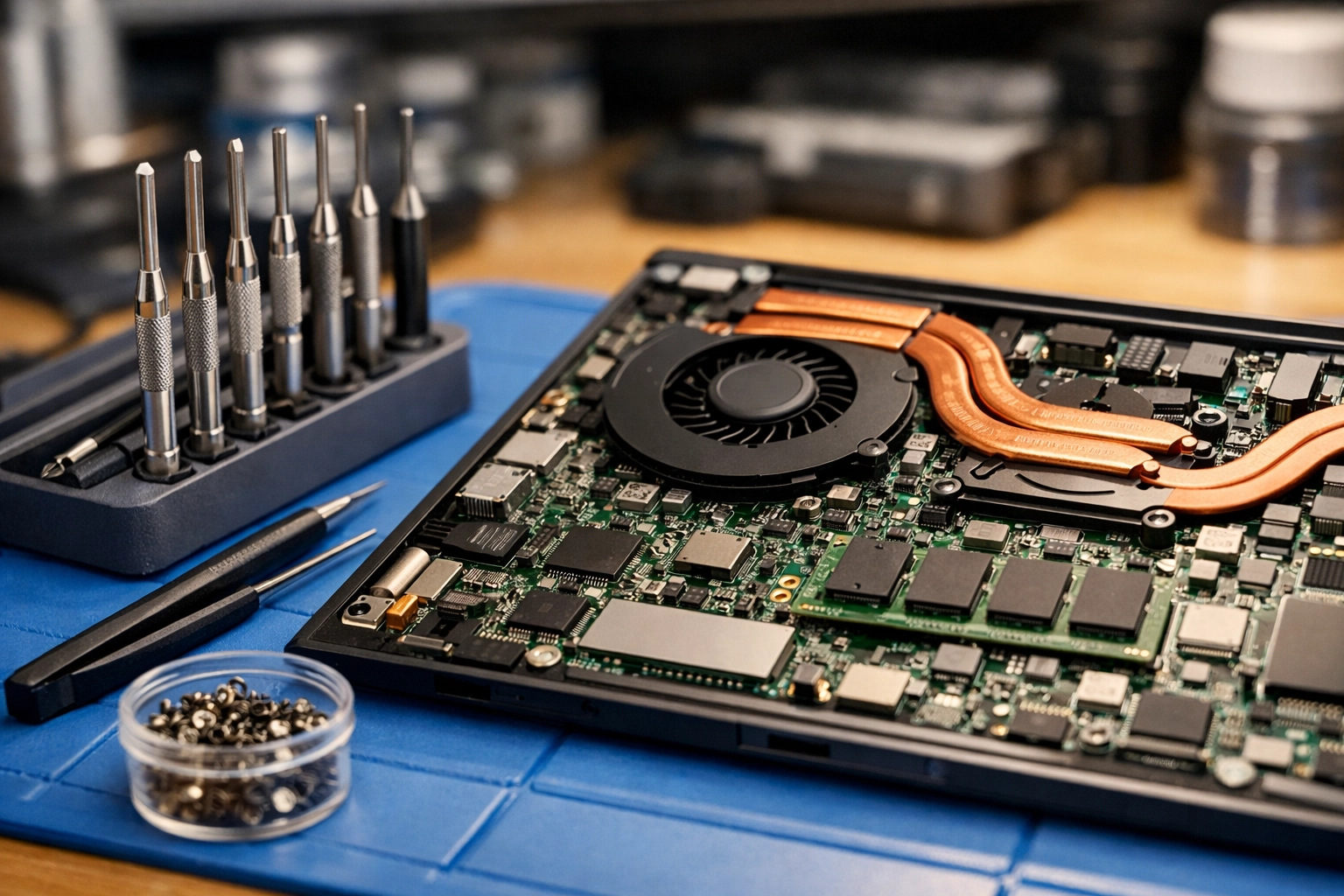
At ART Computer Maintenance and Repair, we specialize in everything from screen replacements to complex motherboard diagnostics and virus removal Vacaville. We pride ourselves on being reliable, honest, and fast: because we know you can’t afford to be offline for long.
If you’ve realized you’re guilty of a few of these "laptop sins," don't worry. The best time to change your habits was yesterday; the second best time is today. Start using that hard surface, buy that compressed air, and for the love of all things digital, stop carrying it by the screen!
Need a pro to take a look?
Book an appointment with ART Computer today and let’s make sure your laptop stays healthy for years to come.
About the Author
Raymond Beckham is the CEO of ART Computer Maintenance and Repair. With decades of experience in the IT industry, Raymond has seen every type of computer catastrophe imaginable. His mission is to provide Vacaville and the surrounding Solano County area with reliable, "no-nonsense" technical support that keeps local businesses and families connected. When he's not fixing computers, you can find him advocating for better cybersecurity practices and helping the community stay safe in an increasingly digital world. For expert help, visit artcmr.com.